
- Login to the HELM control panel via the login info.
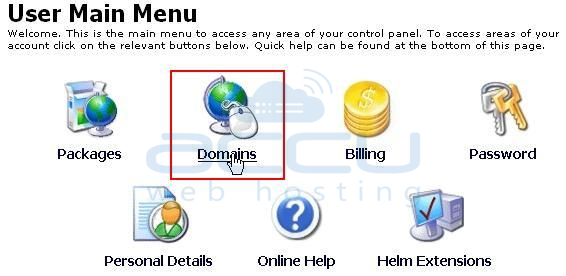
- Click on Domains.
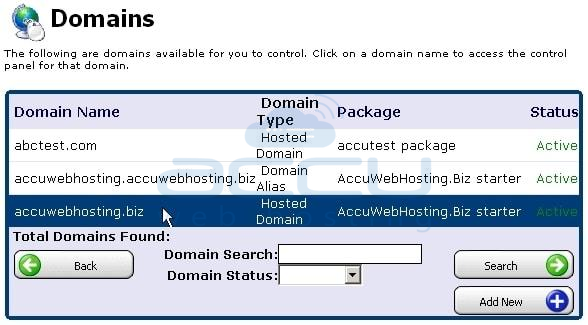
- Hit on your hosted domain i.e. accuwebhosting.biz.
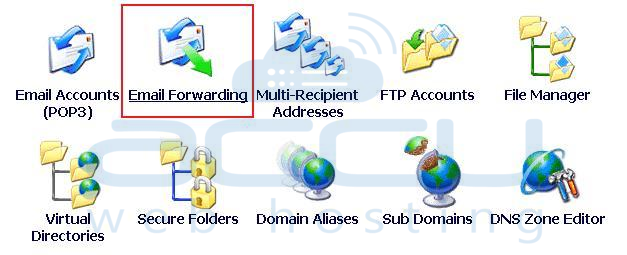
- Tick on Email Forwarding.
- Click on Add New button.
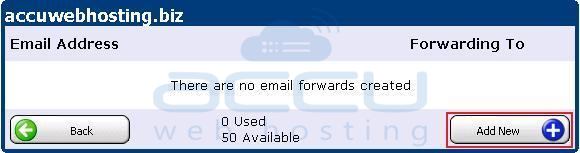
- Enter any fake Email address of your domain in Email address and the existing Email address in Forward To fields, respectively, where you want your emails to be forwarded to.
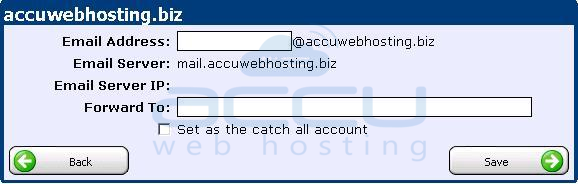
- Save it to assure that your emails will be forwarded.
Perform the underneath steps to create a email forwarding from your control panel:
