
- Login to the HELM control panel.
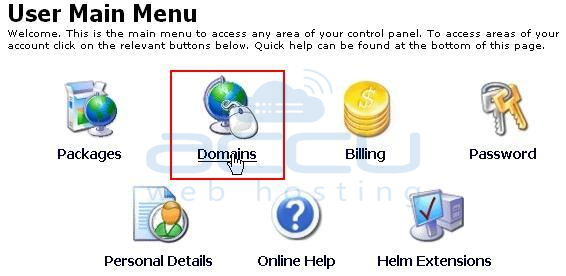
- Click on Domains.
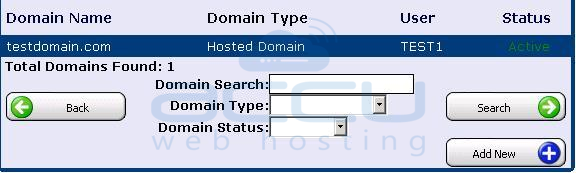
- Hit on your hosted domain i.e. testdomain.com.
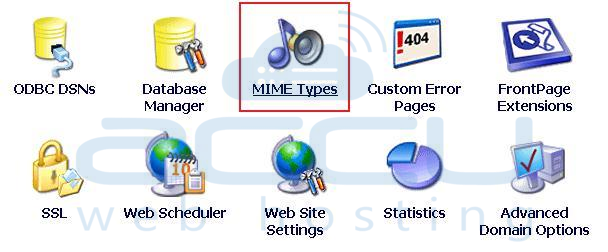
- Click on MIME Types.
- Click on Add New button.

- Enter the Extension and Content type i.e. MS-Word and application respectively in this case.
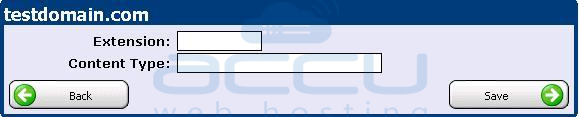
- Click on Save. Now, your browser will open the application file as MS-Word document.
Perform the underneath steps to create MIME types from your HELM control panel:
