
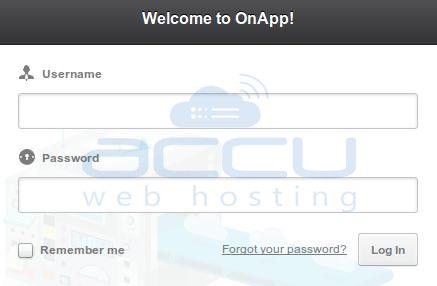
- Login to OnApp control panel with the provided login details.
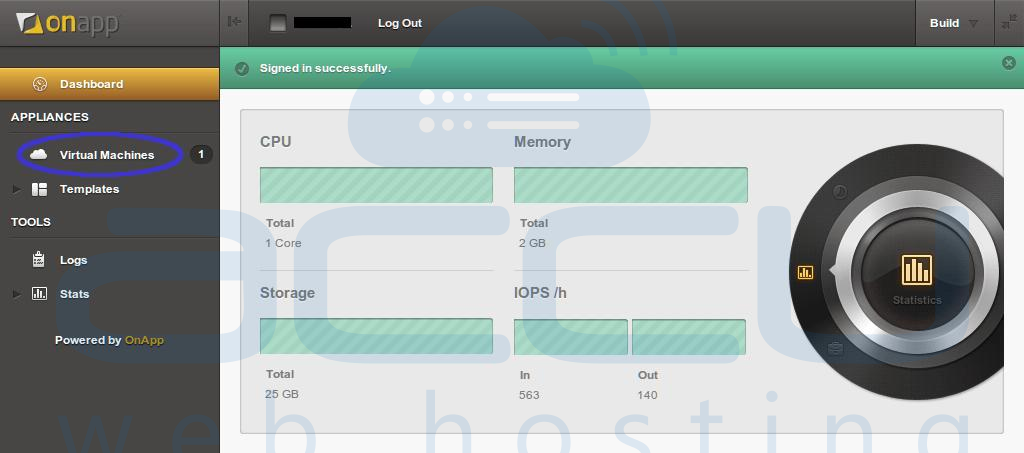
- After successful login, you will see your Dashboard.
- Click on Virtual Machines from left pane.
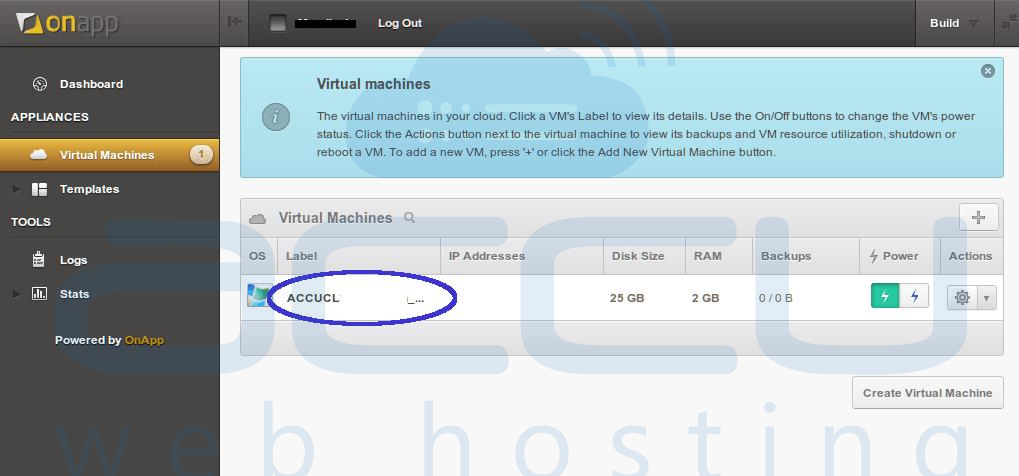
- Click on your VPS label name ie. ACCUCL002.test.com.
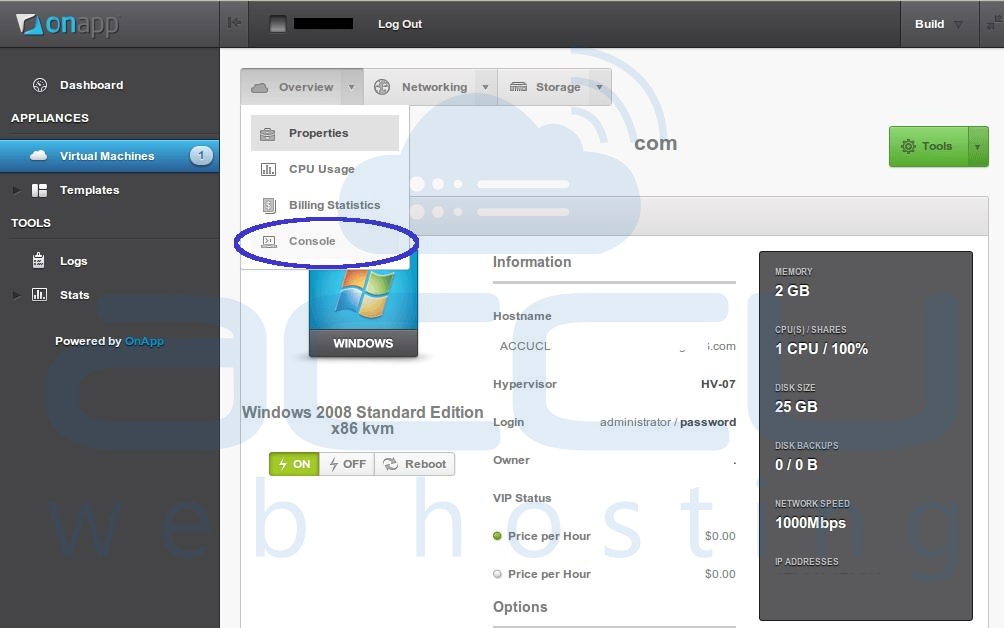
- From Overview dropdown box, click on Console option.
- A console will be displayed in new window.
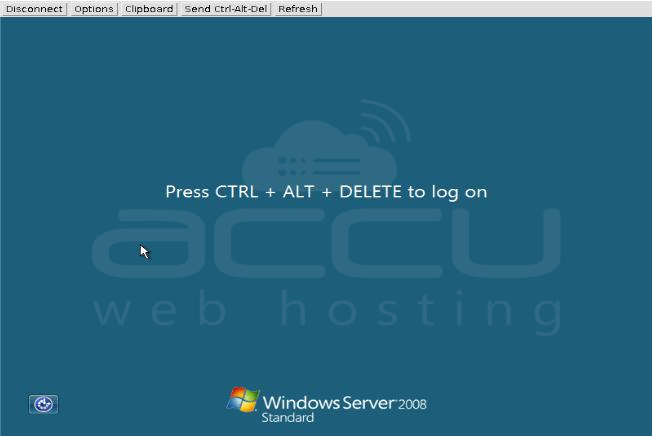
Note: This Console can also be accessed for Linux Cloud. However, Linux Cloud users will get terminal instead of GUI.
