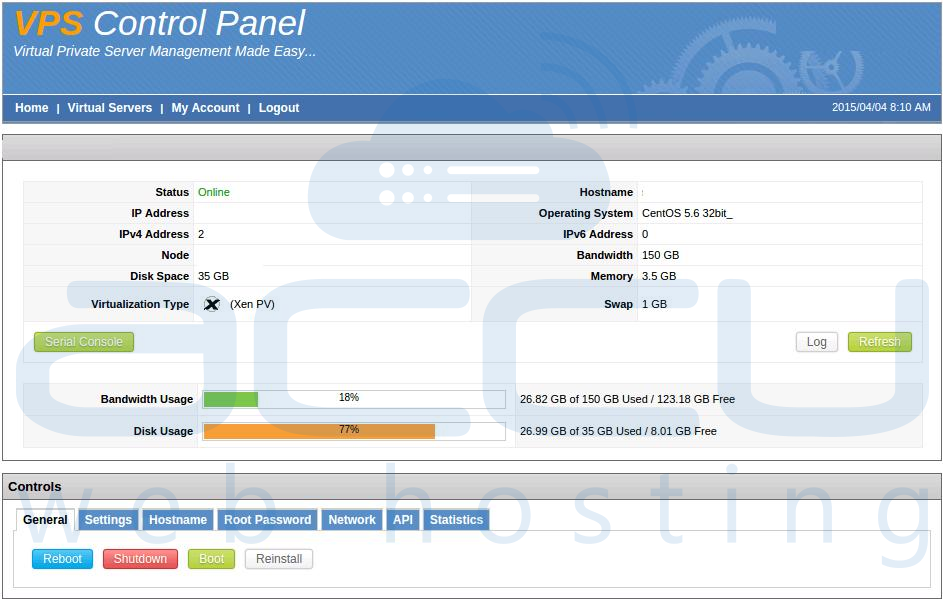
This article will guide you on how to login to SolusVM VPS Management portal. You can obtain the login details from the client area under title "VPS Management Details".
Step-1:
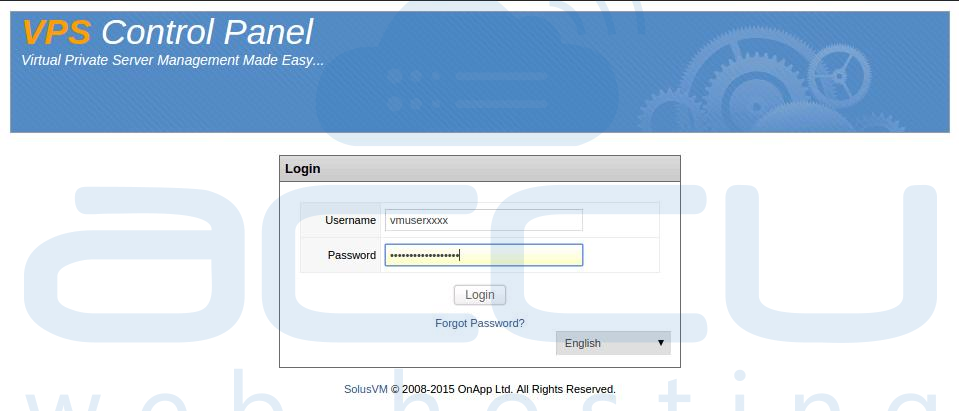
Browse SolusVM VPS Management Portal URL (https://72.18.157.99:5656). You will see SolusVMÂ VPS Management login Window as following:
Step-2
Enter your Username and Password in Login Window, Click on Login button. You are now logged into SolusVM VPS Management Portal.