
Add-On Domain:
- Login to the cPanel account.
- Go to the add-on domains.
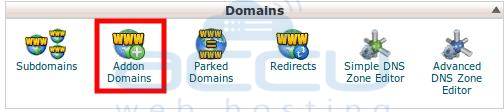
- Under the Modify Add-on Domains, You can remove the Domain. Click on Remove Button.

- You will be asked for confirmation to remove the Add-on domains. Click on "Remove".

Sub-Domain:
In the similar way, you can remove the sub-domain as well.
- Go to the sub-domains from the Domains Secsion.
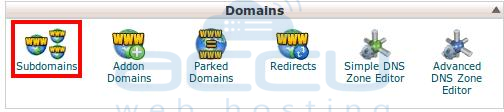
- Click the Remove Button for the Sub-domain which you want to remove.

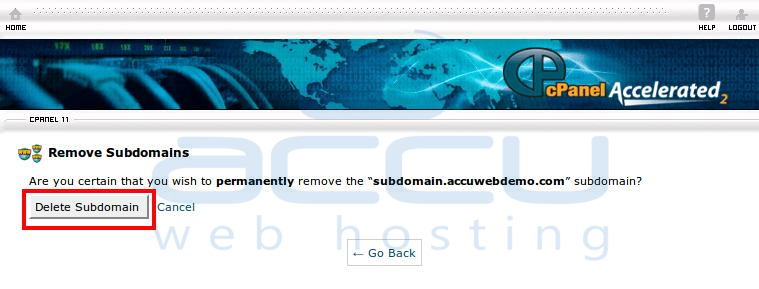
- It will ask you to delete it permanently. Click On Delete Sub-Domain.
Note:
- You can not delete the Main Domain from your cPanel account. If you want to change the Main Domain, please contact our Support Team.
- You can not remove an Add-on domain, if any sub-domain/parked domain pointing to the add-on domain. You have to remove the associated sub domain / park domain first.
- It will remove the domains/subdomains only. The web files/data will not be removed by the system. You can remove the data from the File Manager.
