
Following is the article to change the timezone on Window Server 2008
- Login to your server and Click on the system clock (Bottom-Right corner).
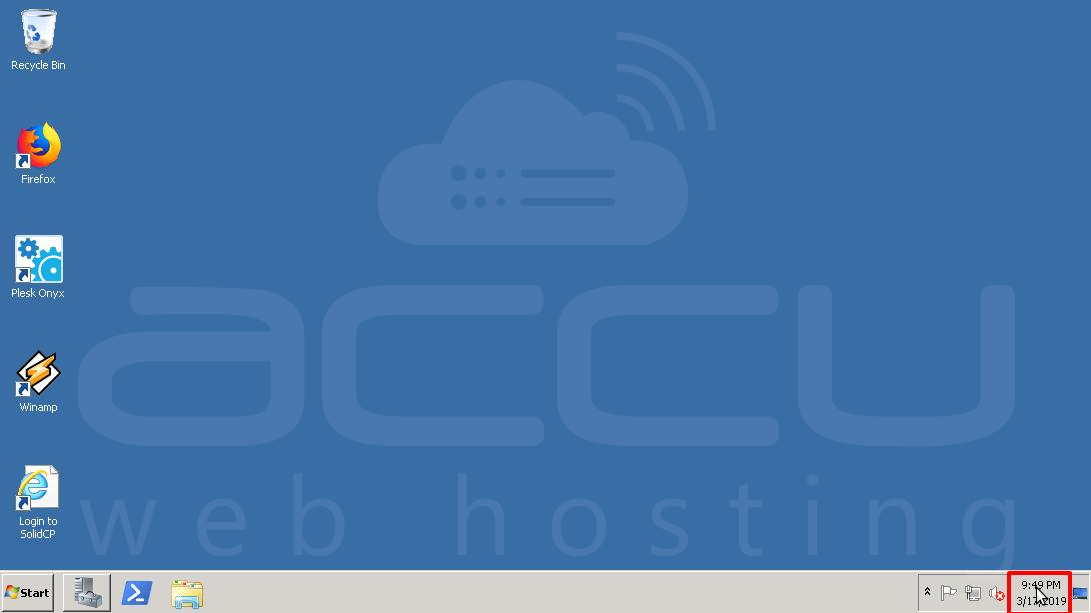
- Click on Change Date and Time Settings. It will open a Date and Time Dialog Box.

- On Date and Time Dialog Box, Click on the Change time zone button.

- Select your required Time zone and hit the OK Button on both the Dialog Box.

- You can verify the server time-zone as mentioned in the below image.

