
Client area is useful to view your invoices, make their payment, view your hosting account information and for support tickets. In order to login to your client area, you need following two details:
- Registered email address
- Password
Please note that, your control panel and client area login details are different. We assume that you already have this information.
- Click here to login to your client area

- Enter your username and password
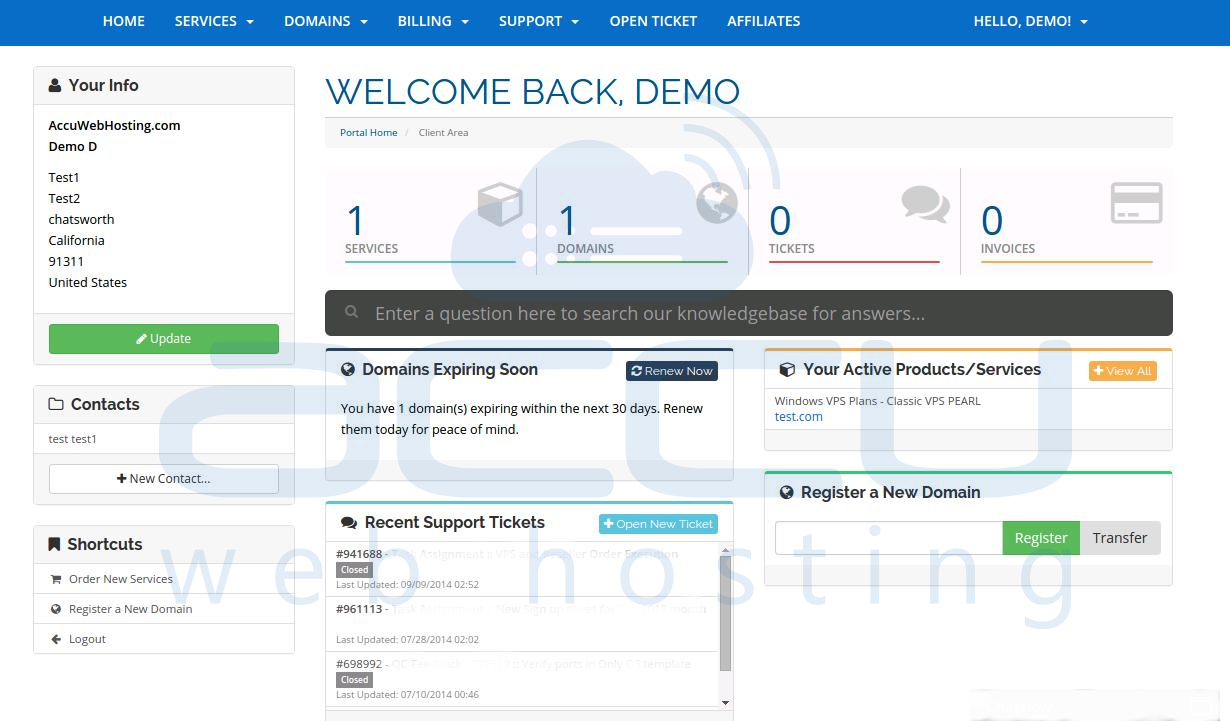
Your dashboard is useful to view the following information:
- View your Account Information
- Open Support Tickets
- View Due Invoices
- View Latest Announcement
- Your Available Credit Balance
From your Client area, you can perform the following tasks:
- Create and manage support tickets
- Order new services
- Pay invoices
- Register a domain name
- Review your hosting packages
- Update your personal details
- Review emails sent from AccuWebHosting.com to you
- View your Affiliates details
