Dev License: This installation of WHMCS is running under a Development License and is not authorized to be used for production use. Please report any cases of abuse to abuse@whmcs.com
Following tutorial will guide you to reset FTP account password from WebsitePanel.

    • Login to WebsitePanel.
    • Click on WebsitePanel user account of interest.
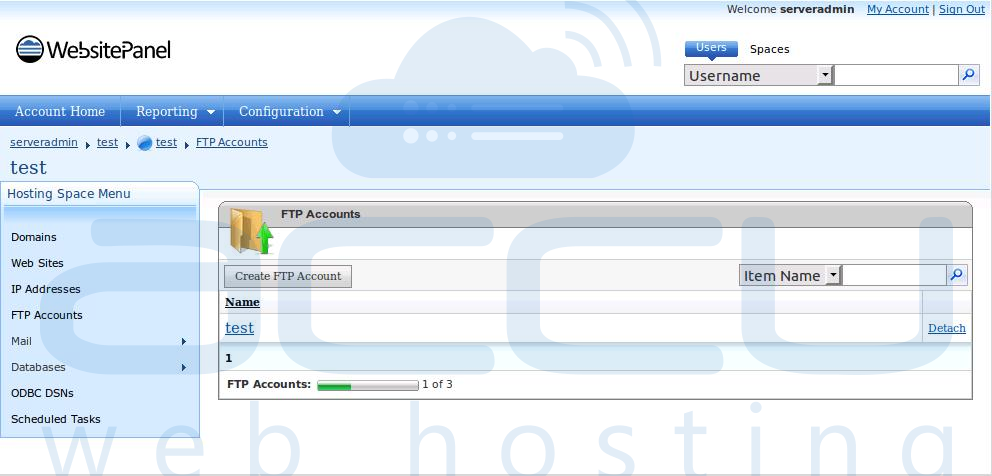
    • Click on FTP Accounts. 

      Select FTP Account from WebsitePanel


    • Click on FTP User for whom you want to change password.
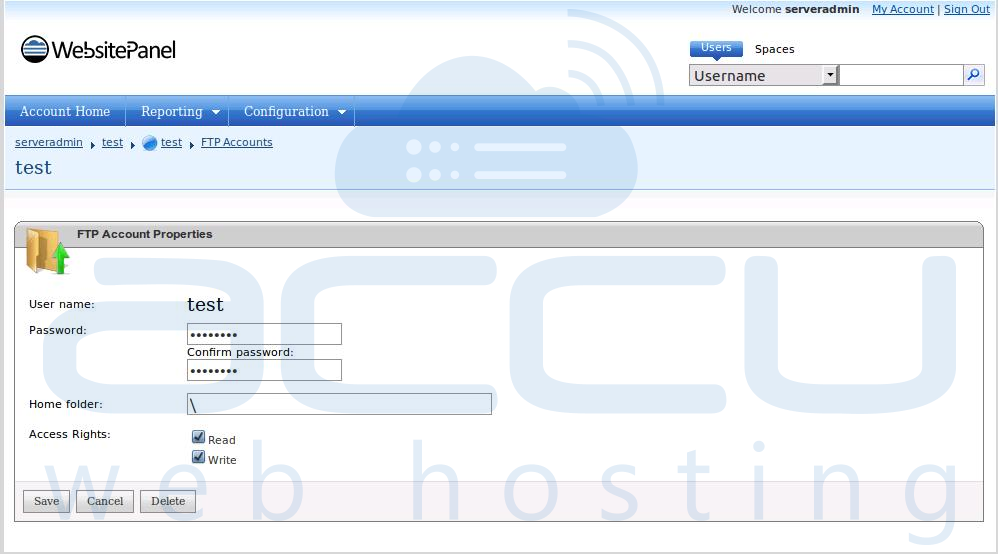
      Reset FPT Account Password from WebsitePanel


  • Change password and click on Save button.

Was this answer helpful? 0 Users Found This Useful (0 Votes)

Powered by WHMCompleteSolution