
Dev License: This installation of WHMCS is running under a Development License and is not authorized to be used for production use. Please report any cases of abuse to abuse@whmcs.com
This article will guide you on how to login to Cloud VPS Management portal. You can obtain login details from client area under title "VPS Management Details".

Step-1

Browse OnApp VPS Management portal URL. You will see OnApp VPS Management portal login Window as following:
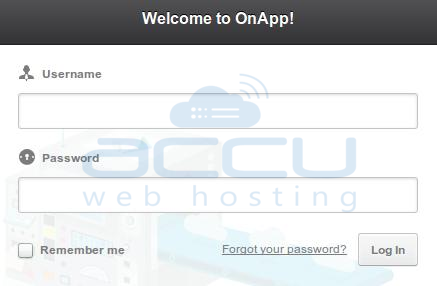
OnApp Login Control Panel Screen

Step-2

Enter your Username and Password in Login Window, Click on Log In button. You are now logged into OnApp VPS Management Portal.
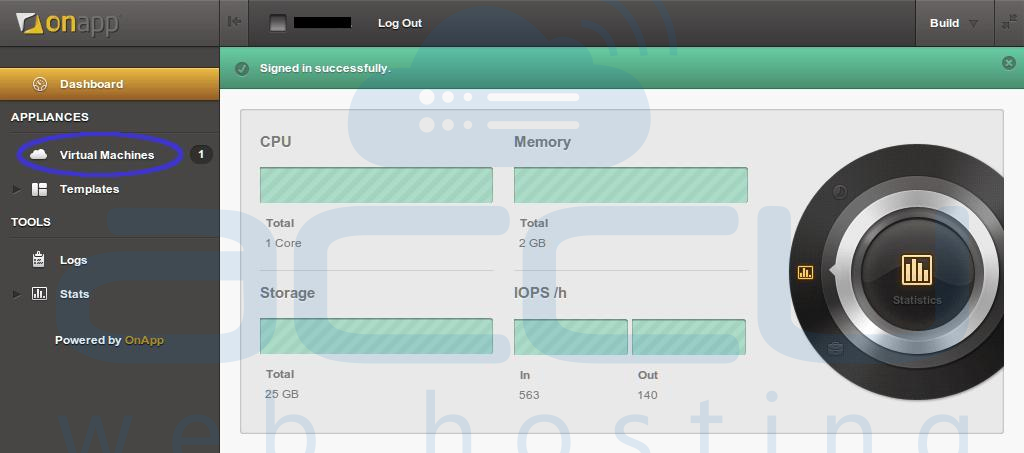
OnApp Dashboard


 Read More:
Was this answer helpful? 0 Users Found This Useful (0 Votes)

Powered by WHMCompleteSolution
